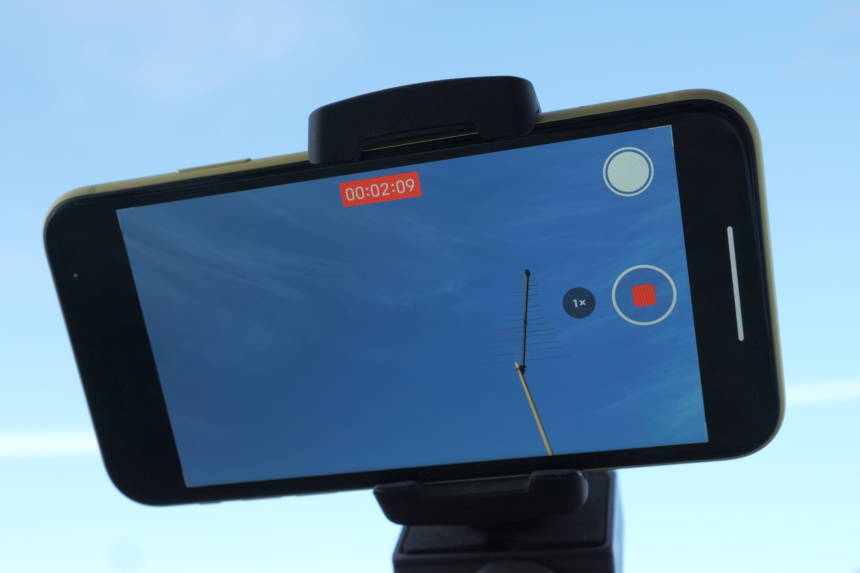
Today I tested how much different resolution and frame rate settings in video recording affect the battery life of an iPhone. The comparison was done on an iPhone 11. Video recording was done using all current resolution and frames-per-second (fps) settings available on the iPhone: 4K Ultra HD at 24, 30, and 60 fps, 1080p Full HD (named 1080p HD on the iPhone) at 60 and 30 fps, and 720p HD at 30 fps.
Here are the comparison test results showing how much of the battery life does an hour of video recording take with the different recording settings and display brightness set at half:
- 4K at 60 fps used 24% of the battery life.
- 4K at 30 fps used 18% of the battery life.
- 4K at 24 fps used 16% of the battery life.
- 1080p at 60 fps used 17% of the battery life.
- 1080p at 30 fps used 13% of the battery life.
- 720p at 30 fps used 11% of the battery life.
As expected, the highest 4K 60 fps video recording setting was draining the battery of the iPhone the fastest. 720p HD at 30 fps was the most power efficient, but it is a low and outdated video resolution. True, its lack of detail can be unnoticeable on small screens like those on smartphones. I personally use 1080p Full HD at either 30 or 60 fps, not only because of the optimal balance between the quality and power efficiency, but also because of the file sizes that are much smaller than 4K’s.
To remind you, the comparison was done using 1-hour video recordings. If you only record short 1-minute video clips from time to time, the impact of your selected video settings on the battery life would be negligible.
If you want to learn about general benefits and downsides of recording in different resolutions and fps, take a look at this post.
It’s also worth noting that other phones
Got a comment, question, or suggestion? Share it with us using the comment form below.
Notes: For the test, I used the main “wide” camera of the iPhone 11. The display brightness, with disabled Auto Brightness and manually set to around 50%, was equal in all the different resolution and fps tests. The iPhone was put in Airplane Mode to avoid the battery drain by the iPhone’s Wi-Fi, Bluetooth, and mobile network modules. Also, the Background App Refresh was set to Off to prevent its impact. The battery was fully recharged before each test. You can expect that the differences in the shown battery drain percentages of the different video settings are very similar on other iPhone models, like the iPhone 12, and iPhone 13 series, and should be similar on older iPhones and Android phones, too. Please note that this wasn’t a scientific test.
Leave a Reply