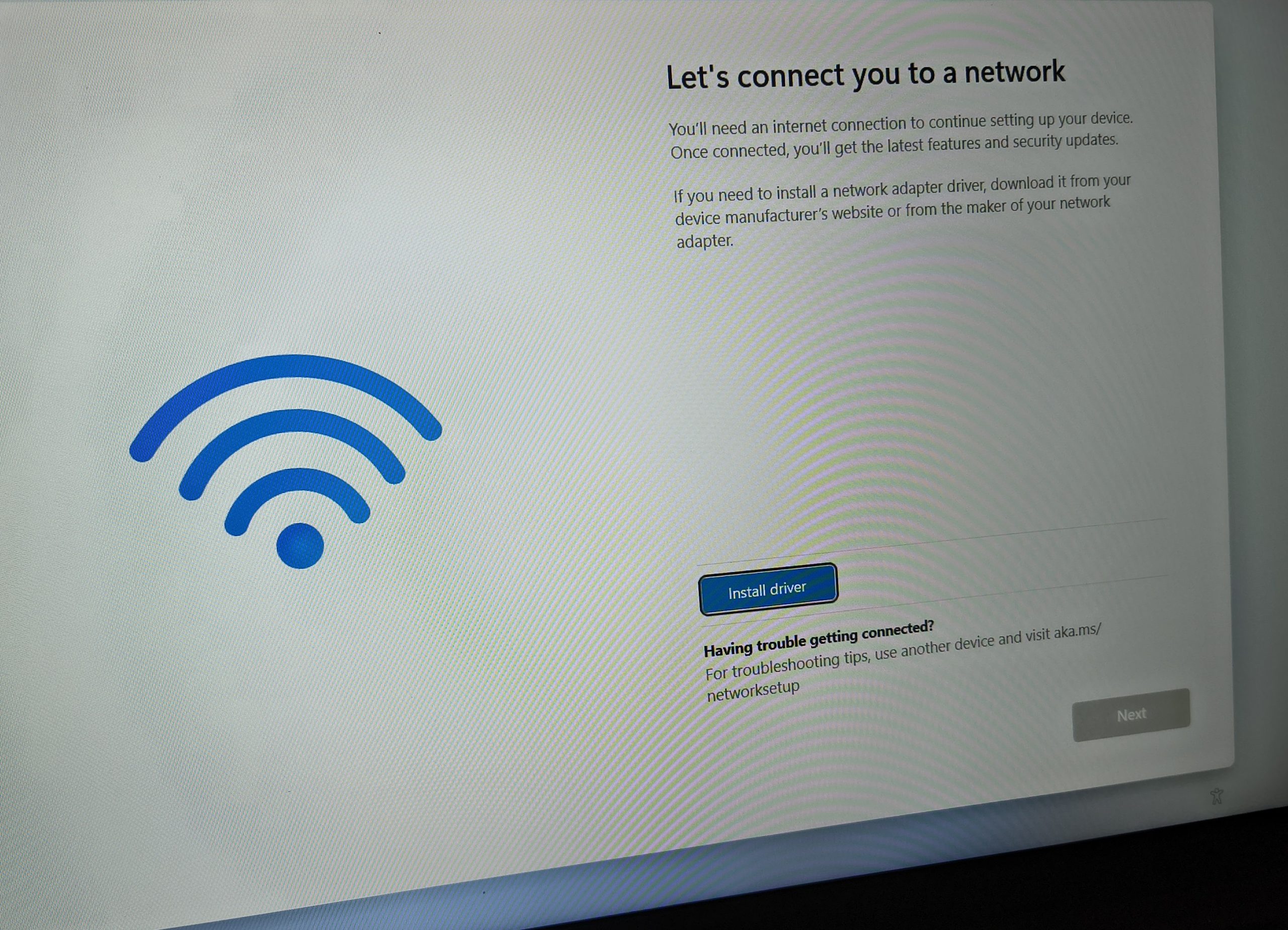
If you are stuck on the Let’s connect you to a network and Install driver step when installing Windows 11, here’s how you can skip the step and continue installation.
- Press Shift + F10 (or Shift + Fn + F10 on some laptops) to open Command Prompt.
- Enter this command:
oobe\bypassnro- Your PC will restart and I don’t have Internet link will appear.
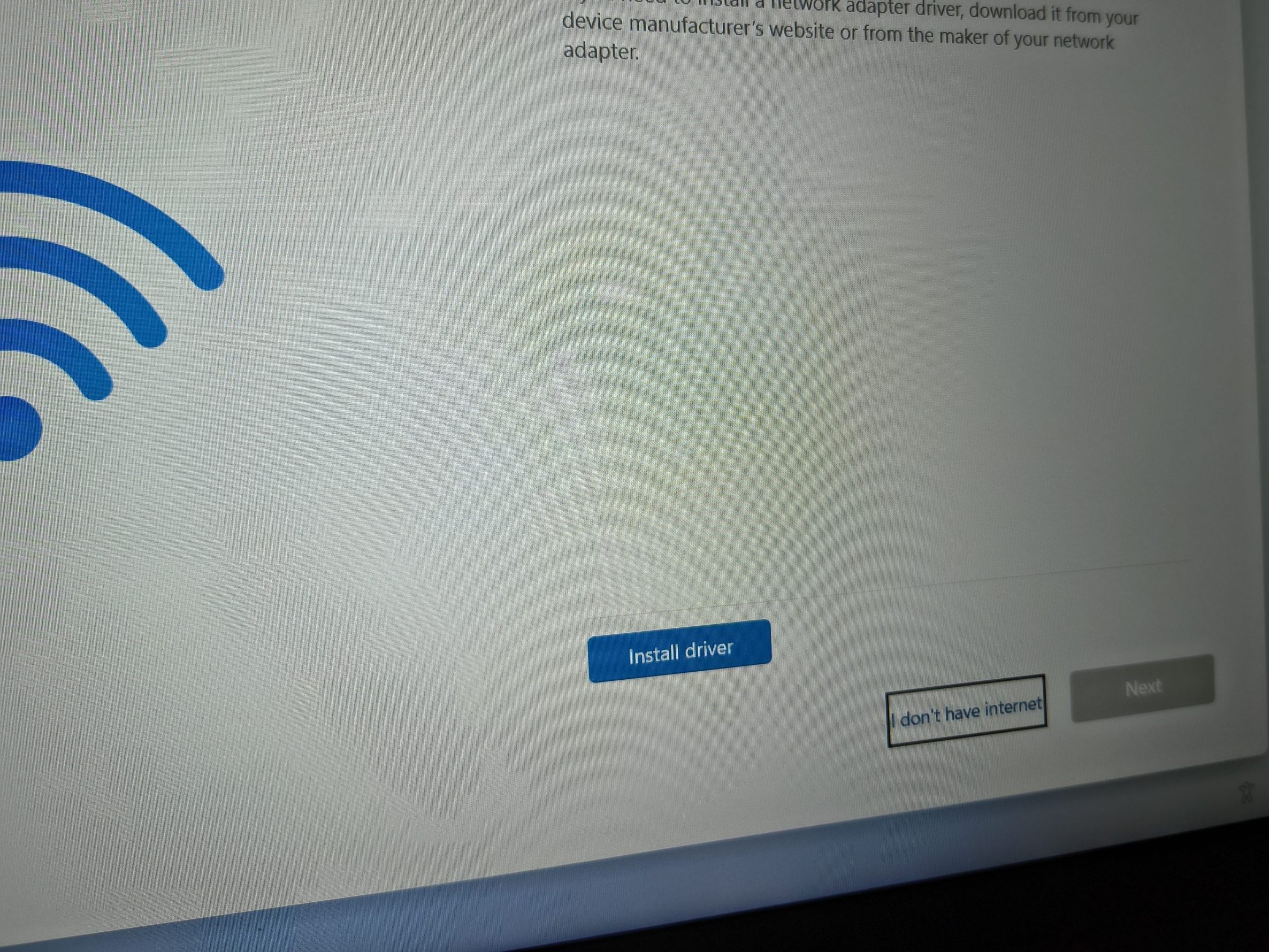
- Click on it to skip the step and proceed with Win 11 installation without installing a network driver.
That’s it.
Leave a Reply