You can stop receiving Instagram’s email notifications by:
- changing settings in the Instagram app,
- changing settings on instagram.com website or
- unsubscribing in emails you received from Instagram.
Here you can find my blog posts about the digital world.
You can stop receiving Instagram’s email notifications by:
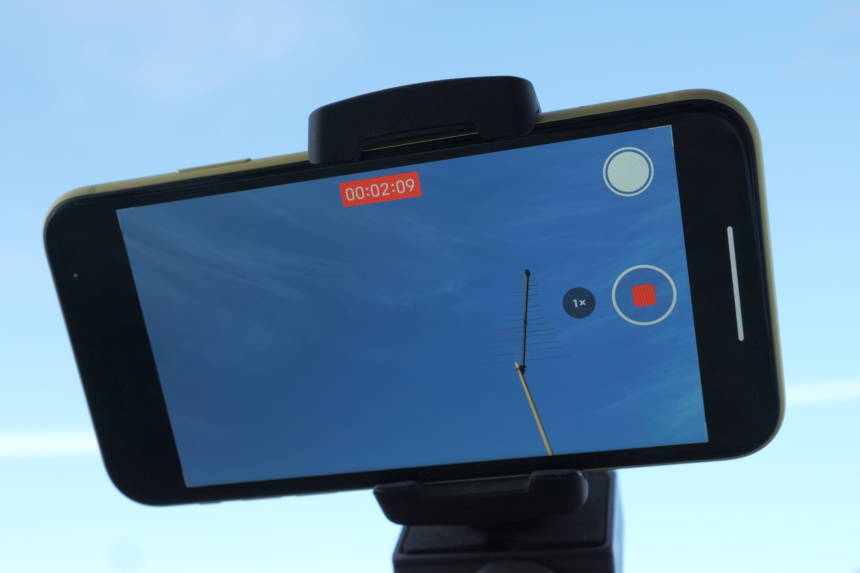
Today I tested how much different resolution and frame rate settings in video recording affect the battery life of an iPhone. The comparison was done on an iPhone 11. Video recording was done using all current resolution and frames-per-second (fps) settings available on the iPhone: 4K Ultra HD at 24, 30, and 60 fps, 1080p Full HD (named 1080p HD on the iPhone) at 60 and 30 fps, and 720p HD at 30 fps.
In order to turn automatic display brightness changing off, novice iPhone users usually go to the Display & Brightness section of iPhone’s Settings. However, the auto brightness switch isn’t there. It’s actually in the Accessibility section since iOS 11 version.
Switching between the Light and Dark modes on iPhones should be easy. You can toggle between the modes simply by opening Settings > Display & Brightness and in the Appearance section and tapping on either the default Light or on Dark. But you can encounter a problem when you try to switch back to Light mode from Dark mode, when iPhone won’t let you switch to Light mode. Selecting the Light option in the phone’s Settings (or via the Light / Dark switch in iPhone’s Control Center) doesn’t do anything in that case. And, there’s no any kind of warning to let you know what’s the problem.
If you can’t change the alarm volume on your iPhone, here’s what you should pay attention to.
Here’s a quick tip on how to disable clicking sounds while typing on the iPhone’s keyboard.

Unfortunately, the Gmail app on Android doesn’t let you permanently set All Inboxes as the default view when you open the app. Instead, the default is always the Primary inbox. If you set the view to see emails in All Inboxes, close the Gmail app at some point, and open it up again, the app will forget your choice and take you to the Primary inbox view instead.
(more…)Clearing browsing history, cookies, and cached files in Chrome browser is easy on all operating systems and involves only a few taps / clicks. Here’s how you can do it on an Android phone (or tablet) with the latest Chrome version, as of June 2018. Procedure for recent Chrome versions and other operating systems and devices is very similar if not the same.
If you tap on a YouTube link in Chrome web browser on an Android phone, the operating system will by default open the link in the dedicated YouTube app. If you want to stay in Chrome and open YouTube links and videos in the web browser instead, you have to disable the YouTube app as the default one for opening YouTube links like youtube.com or youtu.be. That can be done in the Settings section in Android.
(more…)Here’s a quick tip on how to type text in all capital letters (LIKE THIS) on Android phones’ touch keyboards.
Here’s how you can prevent in-app purchases on an iPhone.
(more…)Chrome is my iPhone and PC web browser of choice. For some time, I was looking for a solution to automatically sync bookmarks of Safari and Chrome web-browsers on my iPhone. Unsuccessfully. When using iPhone’s default Safari iOS app, I had had to manually send web pages (I wanted to keep and open later in Chrome) to Chrome bookmarks using the Safari’s share option.